
2019
Redefining the wayfinding experience for job seekers
Company
Randstad RiseSmart
Product
Spotlight (B2B2C)
Duration
3 Weeks
Team
3 Designers
My Role
Design Lead (Strategy, IA, Wireframe)
Design (IA, UX, UI)
Research
Deliverables
Sitewide Redesign
Research
Card Sorting
Tree Testing
Usability Testing
Background
The Company
Randstad RiseSmart is an HR company specializing in outplacement—helping employees affected by layoffs find new jobs through career coaching, resume writing, and job-search support.
The Product
Spotlight is our flagship platform and a one-stop shop for job seekers. Users can book time with a career coach, request resume-writing services, and find jobs matched to their skills. It’s primarily a web app, supported by mobile apps.
Problem
If users can’t find it, it doesn’t exist.
This was the UI before the redesign:

Beyond its outdated visual design, the platform had a bigger problem: poor navigation.

Even when the functionality existed, users still struggled to find resources, creating a poor experience and potential business impact. Because revenue depended on services requested through the platform, poor discoverability could directly translate into lost opportunities.
How Did We Get Here?
The platform was nearly ten years old. As time went by, we added more and more content to the platform while the UI structure remained largely unchanged because of time and resource constraints.
The result was an increasingly difficult-to-navigate and unsustainable experience. We decided to address the root problem with a systematic, holistic redesign to improve the wayfinding experience.
Design Brief
Redefine the wayfinding experience to help job seekers quickly understand what’s offered and where to find them.
My Role
Initiated the project
Created strategy and plan
Conducted user research and analyzed findings
Led a team of three designers in redesigning the IA and wireframes
Contributed to the UI redesign
Pillars of Success
There are three critical elements to shaping a successful wayfinding experience:
Strategy
Involve users throughout the process.
We stayed close to users throughout the process—from validating assumptions and identifying root causes to testing proposed solutions.
Process
1. Measuring Findability & Discoverability
To justify the project and gain business buy-in, I conducted usability testing with five users. We uncovered navigation issues that prevented users from finding key offerings, including resume and coaching services.
Mapping findings across sessions revealed recurring patterns in findability and discoverability, giving us a baseline to measure against.
Usability testing analysis
2. Information Architecture
Rather than relying on assumptions from design “experts,” I believed we’d have a better chance of arriving at a more intuitive structure if we let the people who’d be using the system tell us how to design - through card sorting and tree testing.
2-1. Card Sorting
What we did
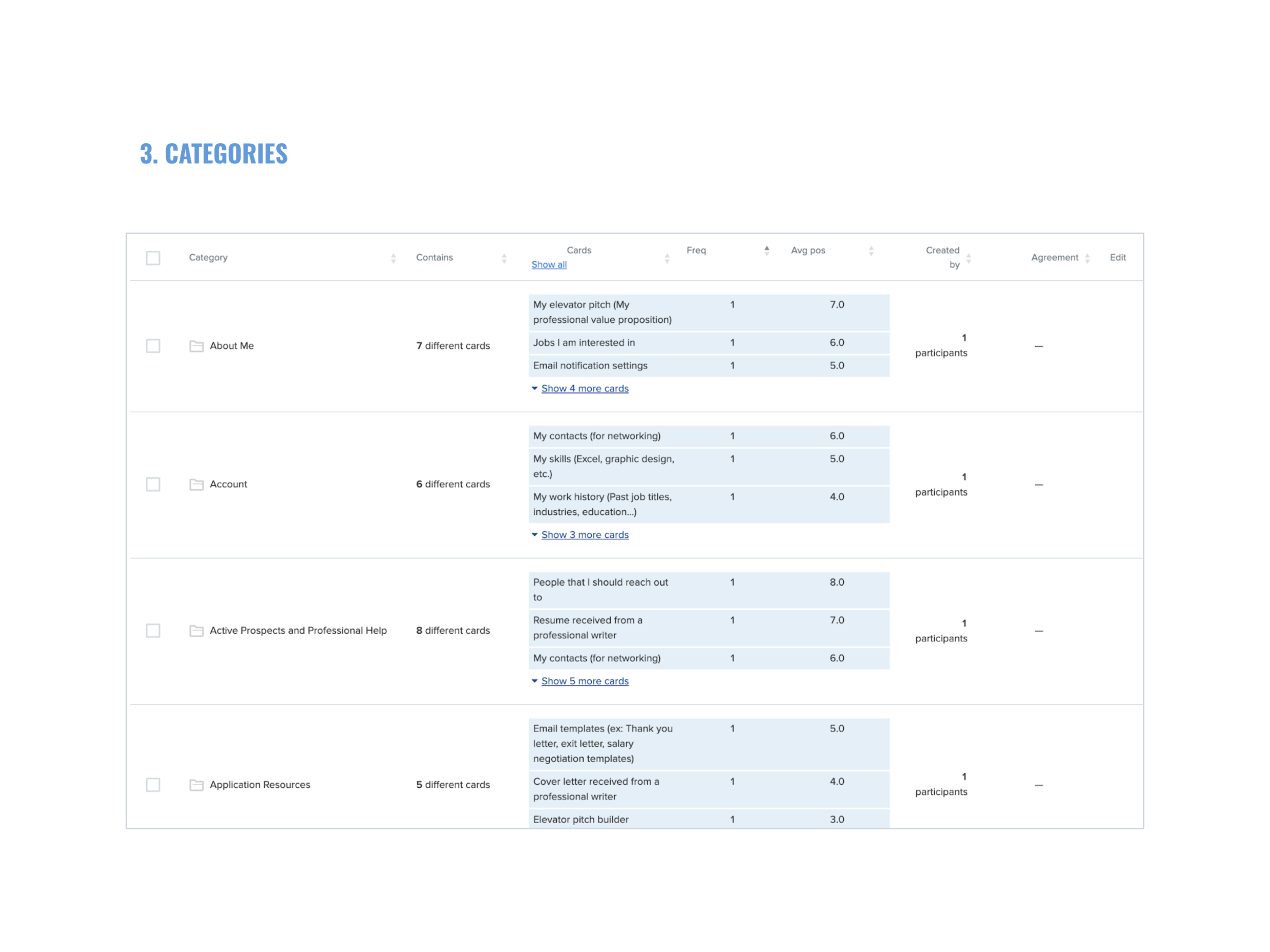
Card sorting is a research method for understanding how users make sense of the information on your website. We conducted a remote, unmoderated open card sort with 19 participants. Participants grouped 29 content items and created their own category labels.
What we learned
The results revealed several ways users organized information:
Relevance: related to me vs. not me
Timeline: past, present, future
Urgency: action needed vs. no action needed
Topics: interviews, job search, networking
Stages: job search, interviews, offers, salary negotiation
Through this exercise, I realized there was no such thing as the perfect way of sorting because every individual was unique. We were different in many ways, from gender, age, occupation, and background to personal goals. This led me to the conclusion that we should design for users with different mindsets. In other words, a good design should accommodate users with different mental models. This could be done by providing multiple pathways to the same destination.
From preparation to execution
For preparation, we conducted a few offline sessions with our PMs and designers to ensure quality and align on the purpose and process of this project.
We used OptimalSort to recruit participants and perform the study:
How we analyzed the data
We looked at the data by slicing and dicing it in different ways:
Participants: How did people sort information on an individual level? What was the logic behind the groupings?
Cards: What were the categories created for each card? Was there any consistent pattern?
Categories: What categories did people create? What cards were sorted under these categories?
Similarity Matrix: How often were two cards paired together?




2-2. Tree Testing
Why card sorting?
Card sorting helped us understand how users think, but we still needed to validate whether our proposed structures were easy to navigate. Tree testing tells us how easily people can find information on our site, and where they get lost. It is a fast and iterative way to evaluate whether our categories and labeling make sense to the users.
What we did
We created multiple IA options and used tree testing to compare them objectively. We tested four trees with 10 participants each, using 6 tasks focused on key offerings and known problem areas.
The results helped us identify the strongest structure and iteratively refine the categories, labels, and navigation.
The process
We started by mapping out the tree representing the current site and the new tree in table view.
The challenge
We quickly found ourselves in a difficult situation when each designer proposed a unique structure. How would we know which one was better? Would the better one solve the problem? Would it create new problems?
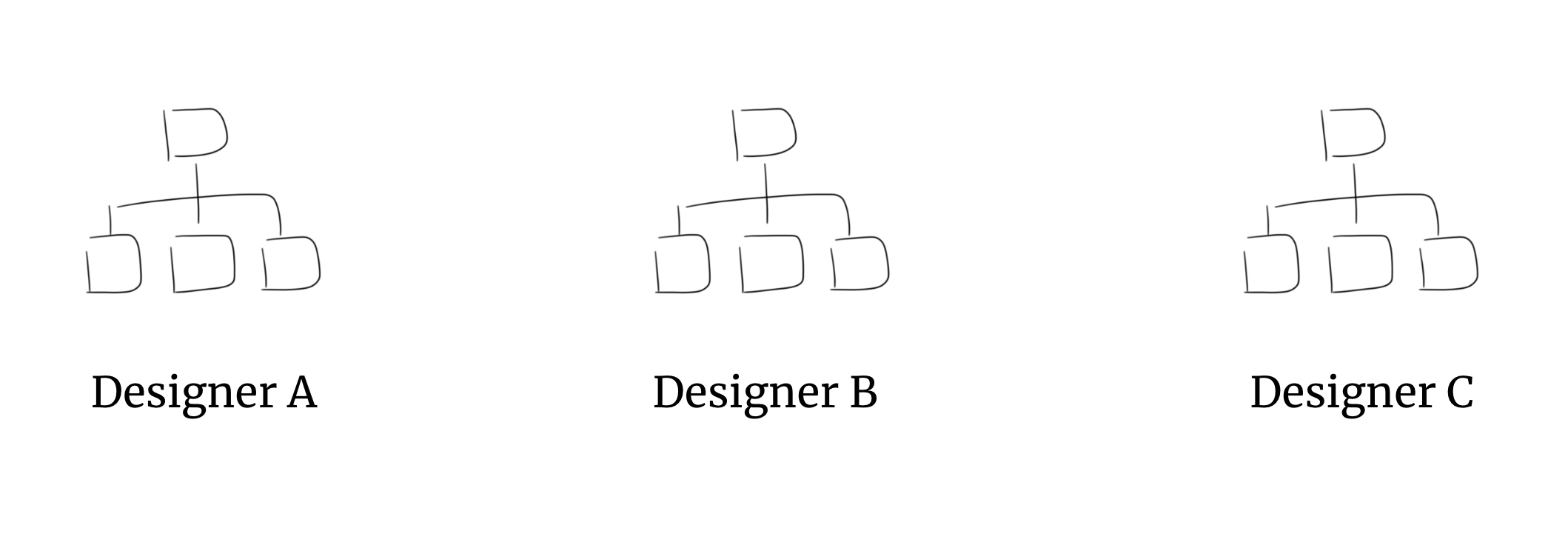
We decided to resolve this conflict in a civilized way - tree testing. We compared the performance of the trees created by each designer. Then, we selected the best one for further refinement and iteration.
For the test, we defined a list of tasks focusing on our most important offerings and potential problem areas:
We built the trees using Treejack, and asked participants to complete the list of tasks by navigating through the tree we set up. Below is a demo showing a participant clicking through the tree to find the target item:
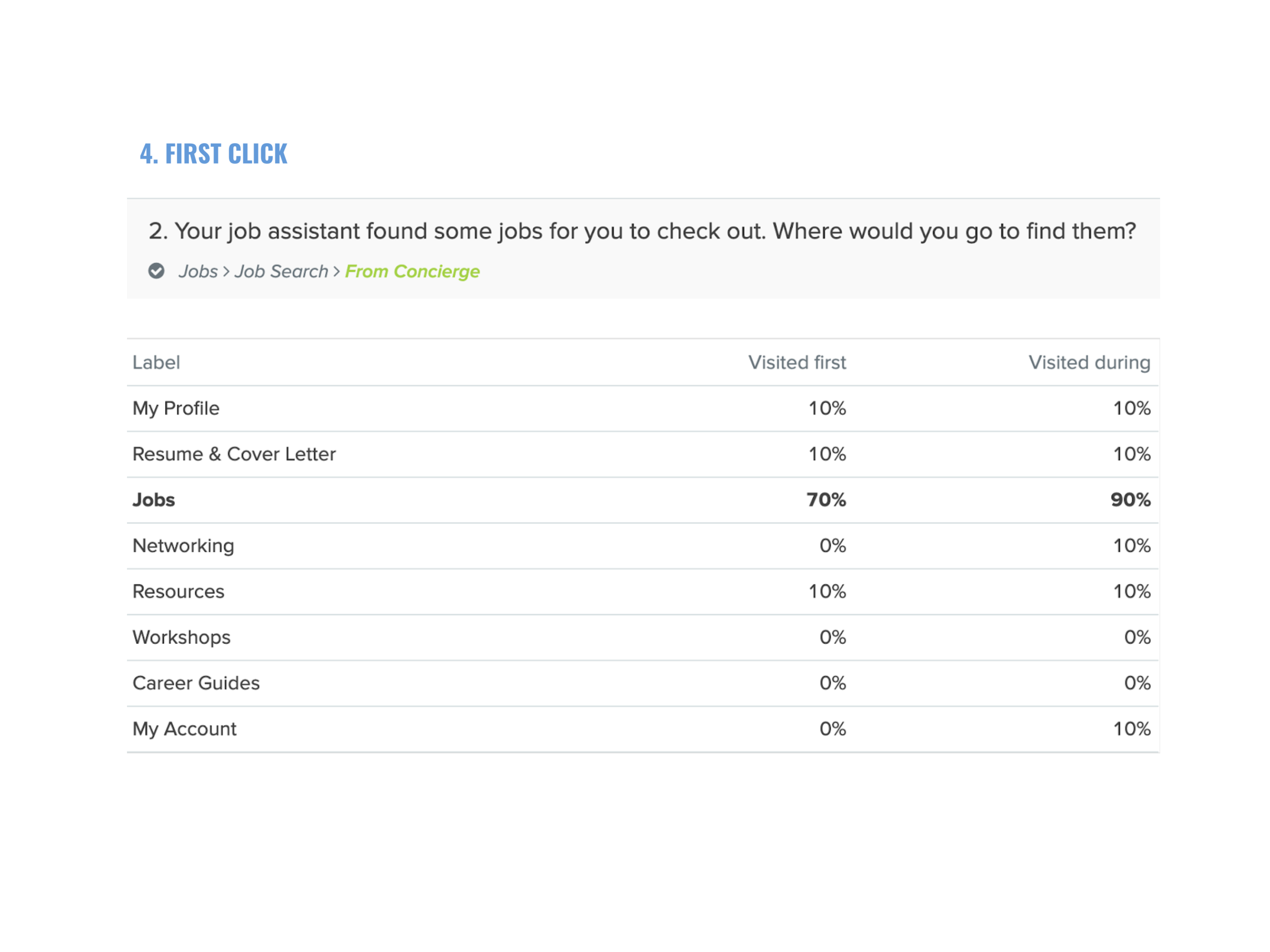
TASK: Your job assistant found some jobs for you. Where would you go to find them?
Logistics:
Remote, unmoderated testing
Tested 4 trees
10 Participants / Tree
6 Tasks / Tree
Average time to complete: 3 mins
Tree testing results:
Success rate
Pietree
Destinations
First click
Paths



3. Wireframe
We translated the new IA into an interactive experience.
We created rapid, low-fidelity clickable prototypes in UXPin to explore different layouts, navigation patterns, and user flows.
Prototyping allowed us to evaluate the experience early—before investing in visual design or development.
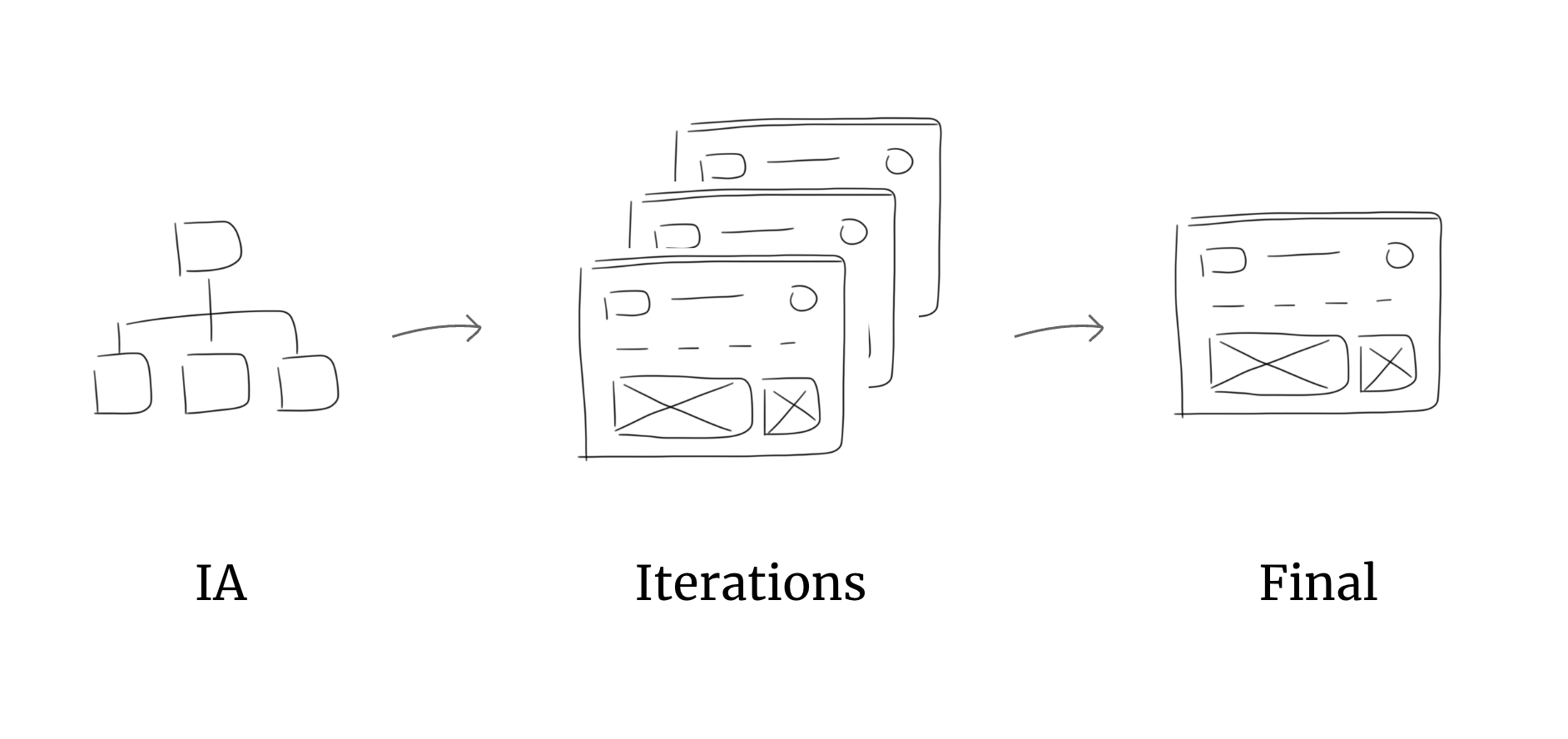
Rapid prototyping using UXPin helped us explore different options quickly.
4. UI Design
Once the wireframes were finalized, we created a style guide with core components aligned with the new brand identity. We divided the platform into three areas, allowing the team to work in parallel.
5. Measure
We planned to measure findability and discoverability after implementation. However, shifting business priorities prevented us from doing so. Scroll down to “Measuring Success” below for how I would approach it.
Outcome
The redesign improved content discoverability and findability, making it easier for users to navigate the platform. We expect this to increase service requests and, ultimately, revenue.
How the redesign improved wayfinding:
Reduced cognitive load. We simplified the UI by intentionally removing marketing copy and imagery, limiting each page view to one CTA, and using consistent UI patterns across the platform.
Implemented user-centered information architecture and intuitive labels. We redesigned the site structure based on users’ mental models and validated it through user research. We replaced marketing jargon with language users naturally use. For example, “Your brand” became “My resume.”
Surfaced key offerings. We moved important services higher in the navigation. For example, the resume service moved from level two to level one, making it easier to discover and access.
Introduced a scalable navigation UI. We replaced the old approach of stacking new features onto a page with dropdown menus, creating a cleaner, more scalable structure that simplified future design and development efforts.
For example, here’s the before-and-after of the homepage redesign:
Before
After
Measuring Success
How would we know if the redesign was successful?
As priorities shifted after the redesign, we didn’t have the opportunity to measure its impact. If given the opportunity, I would evaluate success across these areas:
User Impact
Task completion rate
Time on task
System Usability Scale (SUS)
Business Impact
Number of coaching sessions requested
Number of resume writing services requested
Reduction in time career coaches spend on technical support